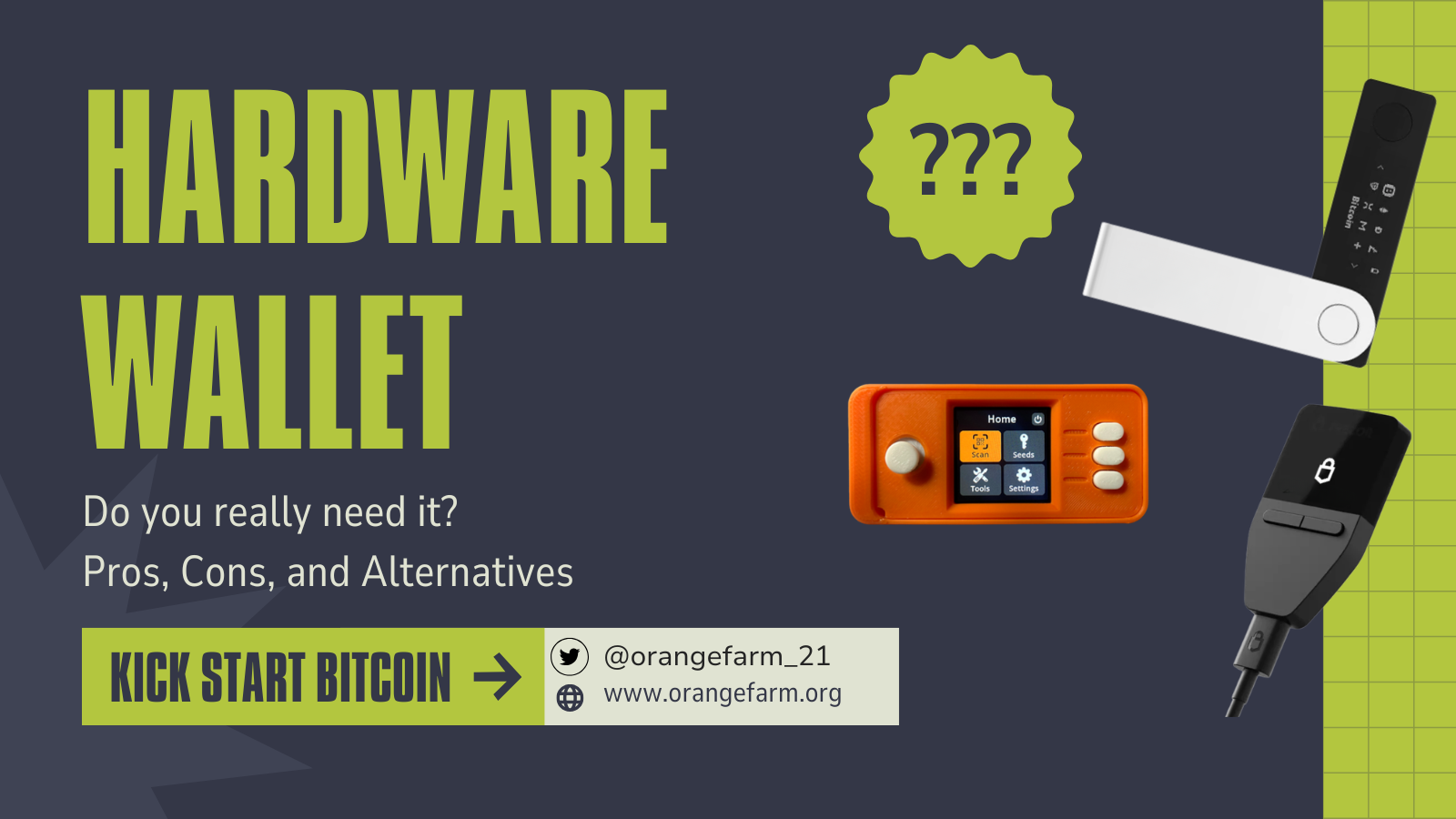
Do You Really Need a Hardware Wallet? Pros, Cons, and Alternatives
“How much Bitcoin do I need before I need a hardware wallet?”—this question pops up in every forum, and almost every answer starts with a figure in dollars. We think that’s the wrong question. The right one is: What are you actually trying to protect yourself from—and what are you getting yourself into in return?
In Short:
A hardware wallet isn’t mandatory, but it offers effective protection against attacks on your everyday computer. However, this means you’re permanently dependent on a single manufacturer—including any data breaches that might occur. For many, an air-gapped setup is the more independent alternative. The key factors are the amount of money involved, your technical expertise, and your personal threat profile—not a specific dollar threshold.
What exactly does a hardware wallet do?
One sentence says it all: Your private keys never leave the device. Transactions are signed on the hardware wallet, not on your computer or smartphone. Even if your laptop is infected with malware, it can’t access the key—it only sees the finished signature. That’s the whole trick, and it’s a good one.
What are the advantages of a hardware wallet?
- Protection against malware and phishing on everyday devices. Your browser is the least secure place to store keys. The hardware wallet takes it out of the equation.
- Confirm on the device. Check the recipient address and amount on the wallet’s display itself—a tampered display on the PC won’t work.
- Enforced Care. The ritual—fetching the device, plugging it in, checking it, and confirming—prevents quick, thoughtless transactions. What seems like an obstacle is actually a feature.
What are the arguments against it?
- Cost. High-quality devices cost between $70 and $250. It’s no big deal, but it’s not exactly cheap either.
- Long-term dependence on the manufacturer. Trusting a piece of hardware means trusting a company for years to come. This includes relying on its firmware updates, business policies, continued existence, and data handling practices. Ultimately, withdrawing that trust is impossible without completely changing your setup.
- Learning curve. There’s a learning curve between unpacking the device and using it safely. If you try to cut corners, you’ll make mistakes.
- Single Point of Loss. The device does not relieve you of your responsibility for your seed phrase. A sloppy backup combined with a broken or lost device—and your coins are gone. You know the basics from the book; they apply just as much with a hardware wallet.
What can we learn from the Ledger and Coldcard cases—and why do they affect you even if you don’t own these devices?
Two real-life incidents illustrate the different ways in which dependence on a single manufacturer can become a problem—in one case involving your data, and in the other, the technology inside the device itself. Both lead to the same lesson.
Case 1 – Ledger: When Your Data Becomes a Target List
In 2020, the e-commerce database of the largest hardware wallet manufacturer was compromised: Approximately 270,000 complete customer records—including names, mailing addresses, and phone numbers—and about one million email addresses were leaked online. The irony: The device itself was never hacked. But the customers became the target. This was followed by waves of phishing attacks, fake “replacement devices” sent by mail, and documented extortion attempts. And the pattern repeats itself: In early 2026, Ledger customer data was compromised once again—this time through an external payment service provider.
Why this is more than just a corporate anecdote: Anyone who orders a hardware wallet leaves a trail that says, “Someone here owns Bitcoin.” Just how real this risk has become is evident in France, where authorities recorded several dozen crypto-related kidnapping and extortion cases in the first half of 2026 alone—security researchers cite leaked customer data as one of the driving factors.
Fall 2 – Coldcard: Wenn die Technik im Gerät versagt
In late July 2026, another well-known manufacturer was affected in a completely different way. Older Coldcard devices (Model Mk3) contained a flaw in the random number generator—that is, precisely the component intended to generate the secret key in a truly random and unguessable manner. Instead of true randomness, the affected firmware used predictable values such as the chip’s serial number. The result: Seeds that were considered uncrackable could be reconstructed by a prepared attacker. In a coordinated attack, approximately 594 Bitcoin disappeared from about 500 wallets within about 25 minutes—resulting in losses in the tens of millions.
The key point this time: It wasn’t the hardware wallet concept that failed, but the firmware from a single company. Anyone who stored their assets offline, did everything “right,” and was still affected had no way of detecting the error—it was buried deep within the firmware.
We’re not focusing on any single provider here. The principle behind this is broader: Any centralized collection of data on Bitcoin owners is a risk in and of itself—whether it’s held by a company or a government agency.
The Shared Teaching
Our goal here is not to single out any one manufacturer—both have been transparent about their incidents. The principle at play here is bigger than any single company: As soon as you rely on a single provider long-term, you also inherit its vulnerabilities—whether they involve customer data or firmware. When it comes to data, it’s the centralized collection that becomes the target list. When it comes to devices, it’s the code that you can’t view or control. The consequence is the same in both cases: independence is a security feature.
What are the alternatives? The air-gapped setup
You don’t necessarily need a specialized manufacturer in the traditional sense. There are two common approaches:
One is an old smartphone that remains in airplane mode at all times and is used solely for signing transactions—a signed transaction is sent to the online device via a QR code, while the key remains offline. The other is a DIY-based dedicated signing device, such as a SeedSigner: a small single-board computer (Raspberry Pi Zero) with a camera and display, whose software is open source and which deliberately has no wireless connection whatsoever. You can build it yourself using standard parts for less than $70, sign exclusively via QR code—and because the device doesn’t use any permanent storage for the key, the seed simply no longer exists on it once it’s turned off.
An honest assessment of this journey:
- More independent: no firmware policy, no manufacturer account, no telltale order history with a specialty retailer. With SeedSigner, you only buy plain, standard components.
- Cheaper: You probably already have an old smartphone lying around in a drawer; a SeedSigner kit costs less than $60.
- But it’s more demanding: Setting it up requires care and discipline—the device must never go online under any circumstances; with a DIY device, assembly is also part of the process. Sparrow is a good choice as a desktop client to control such air-gapped devices; we introduce it as Path B in the post “Whats next After BlueWallet?”.
By the way, for those in the pro-hardware-wallet camp, there’s a reasonable middle ground to address the data trail problem: use a shipping address that’s different from your home address (like a package locker) and provide only the bare minimum of information when placing an order. This won’t prevent the data leak—but at least your real name and home address won’t be listed.
Counterfeit and tampered devices are a real risk—never buy hardware through auction or third-party platforms, and only download signature software from the official project website. This list is a neutral starting point, not a purchase recommendation; before buying, determine for yourself what best suits your threat profile.
Air-Gapped / DIY Signature Devices:
- SeedSigner (open source, Raspberry Pi kit): https://seedsigner.com
- Blockstream Jade (ready-to-use device with camera for QR-Air-Gap): https://blockstream.com/jade
Well-established hardware wallets:
- Coldcard (Bitcoin-only, air-gapped via microSD/QR): https://coldcard.com (Note: RNG issue with the older Mk3 model in July 2026—see Case 2 above; newer models are not affected, according to the manufacturer)
- BitBox02 (Switzerland, Bitcoin-only edition available): https://bitbox.swiss
- Trezor (open-source pioneer, multiple models): https://trezor.io
How do you make up your mind? Three questions instead of a dollar limit
- How much is in there? Pocket money amounts don’t justify spending $150 on hardware—a well-secured software wallet is enough. The closer the amount gets to “that would really hurt,” the stronger the case for offline keys.
- How tech-savvy are you? An air-gapped setup rewards DIY enthusiasts with independence. If you need a guided experience with a display and instructions, you’re better off with a hardware wallet—an air-gapped setup that’s not properly configured is worse than a store-bought device used correctly.
- What is your threat profile? Do you talk publicly about Bitcoin? If so, the digital footprint argument carries more weight. Is your main risk your own compromised computer? In that case, both approaches offer the same level of protection.
No matter which path you choose:
It all comes down to having a clean seed backup and a setup that you truly understand. Our book lays exactly this foundation „Kick-Start Bitcoin” – If you got stuck at any point while reading this post, that’s your starting point.
Frequently Asked Questions:
There is no fixed limit. As a rule of thumb: As soon as a loss would really hurt, the keys should be stored offline—whether in a hardware wallet or an air-gapped setup. The cost of the device, ranging from $70 to $250, should be proportional to the amount being stored.
No established manufacturer has yet succeeded in remotely taking control of the device. However, there have certainly been losses due to device malfunctions: In 2026, a random number generator error in older Coldcard devices made the generated seeds guessable, leading to the theft of approximately 594 Bitcoin.
Yes, if you do it consistently: factory reset, keep it permanently offline (airplane mode, SIM card removed, never connect to Wi-Fi), only have signing software installed, and communicate exclusively via QR code. The security mechanism is the same as with a hardware wallet—the keys never come into contact with an online device. A dedicated DIY device like the SeedSigner provides an even stricter separation: it’s a Raspberry Pi Zero without any wireless modules, and its open-source software does not save the seed after the device is turned off. Both methods are more challenging to set up than a ready-made hardware wallet, but they offer greater independence and are more affordable.
No—quite the opposite: Purchasing from a specialty manufacturer actually creates a data trail, as the Ledger incidents in 2020 and 2026 show. The device protects your keys, not your order information. Risk mitigation: Use a Packstation instead of your home address and provide only the minimum necessary information when placing an order.
Conclusion:
The question isn’t “Hardware wallet: yes or no?”, but rather: Which approach best suits your balance, your skill level, and your visibility? At a certain point, you should definitely store your keys offline—whether in a dedicated device or an old smartphone is secondary. The main thing is that you make an informed decision rather than relying on a rule of thumb from a blog.